CLIENT ONBOARDING
Verify & Onboard Your Clients In One App.
One sign in, one end-to-end digital journey for your clients, from ID check to signing.
Your team sends one invite and the results come straight back to your firm.
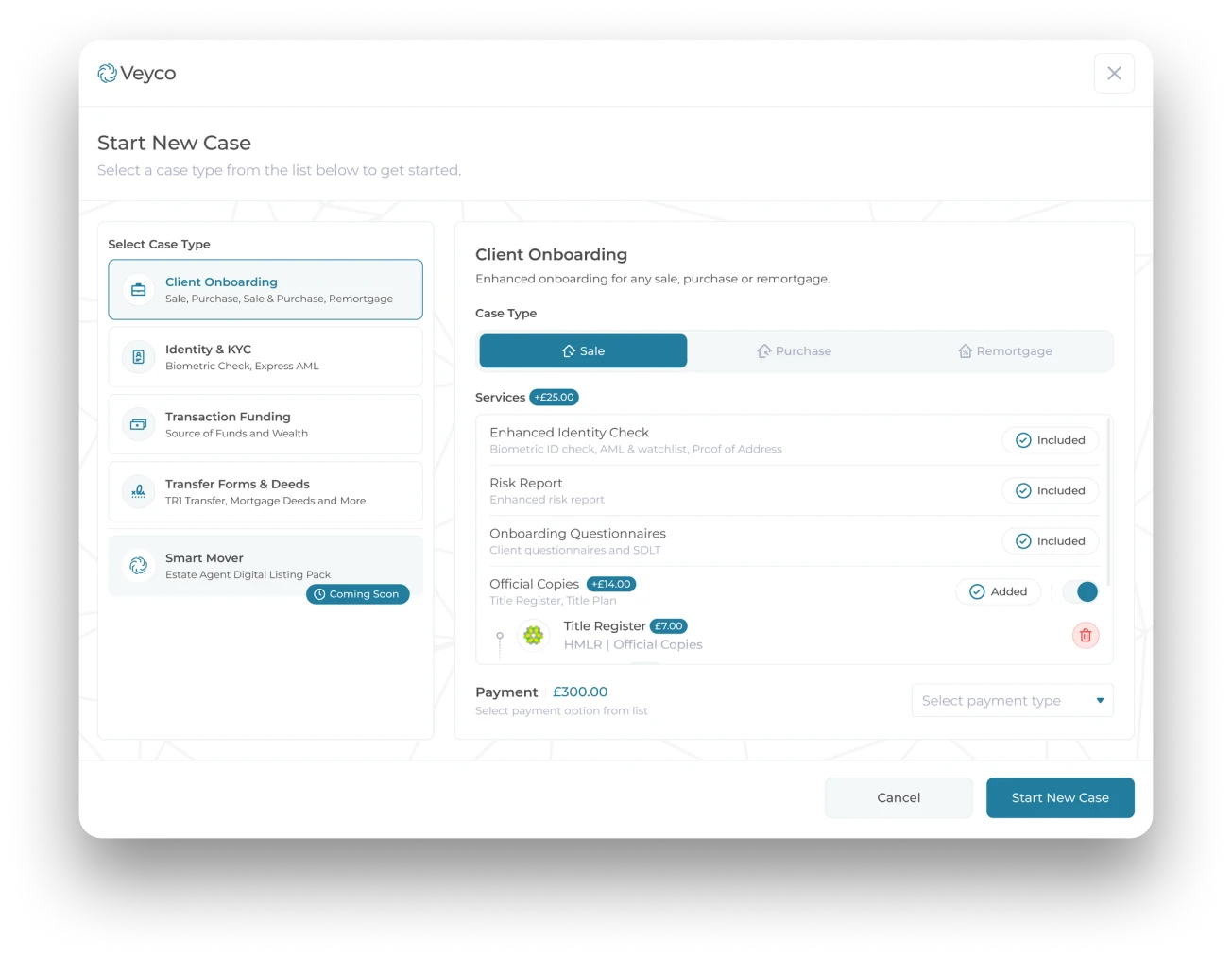
Invite Your Clients
in a Few Clicks.
Start your case from the Veyco dashboard or direct from your existing case management system via API.
Six Modules
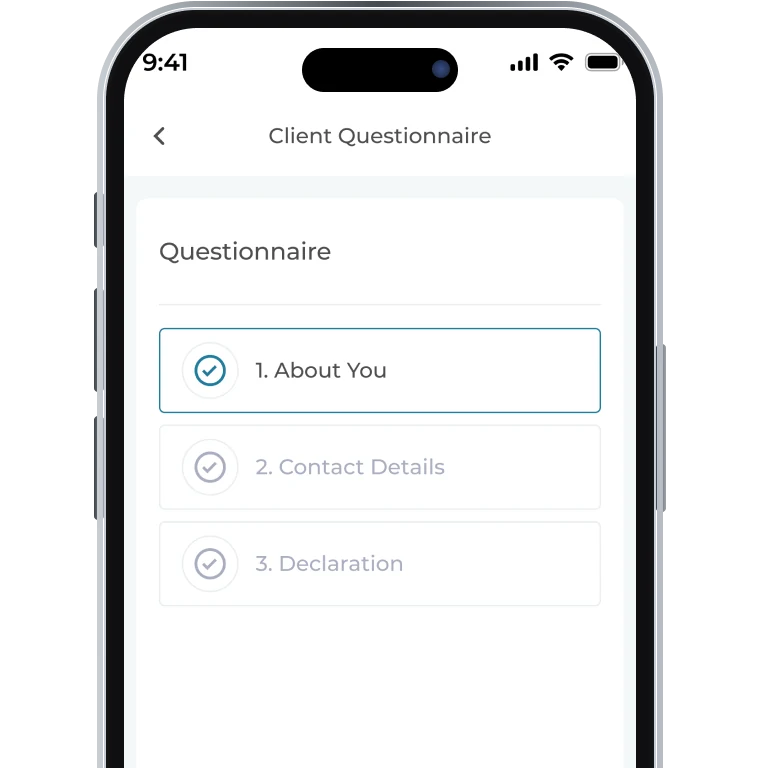
TA6, TA7 and TA10 forms and client questionnaires, completed in the app with Ask Ella’s help.
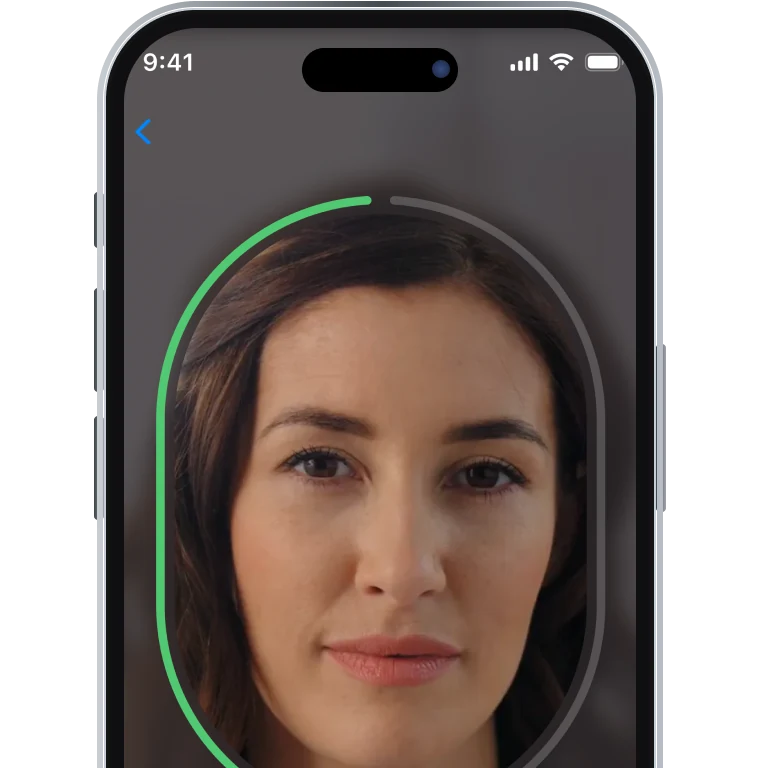
Smart Harbour biometric ID, proof of address and AML screening for sanctions, PEPs and adverse media.
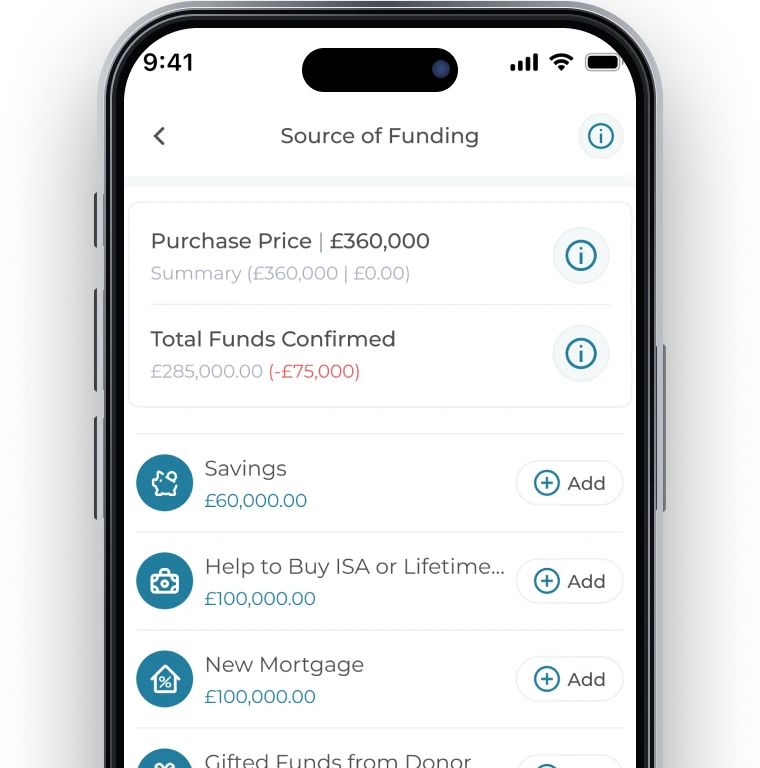
Source of funds verified through Open Banking and direct HMRC income checks.
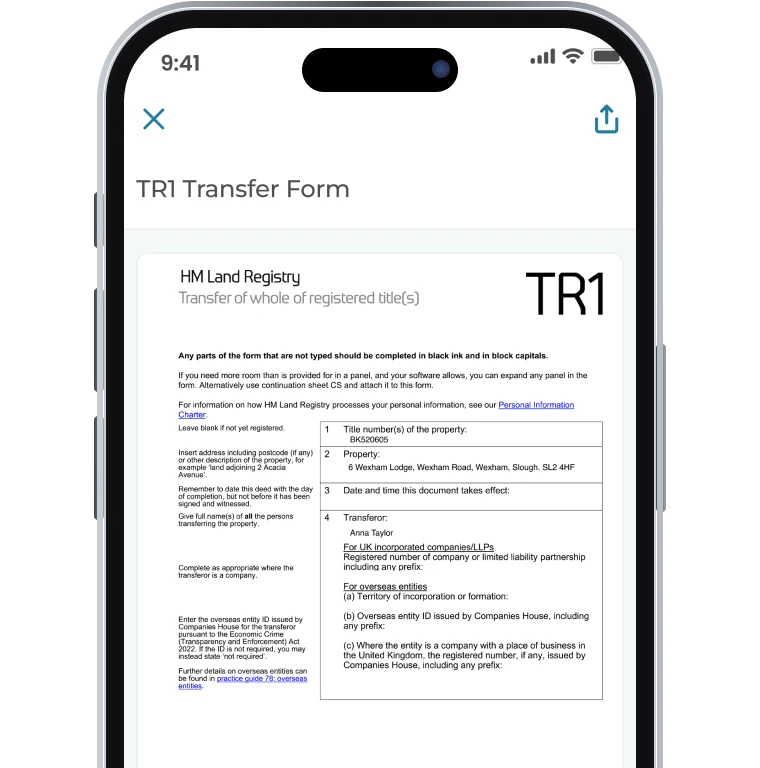
Add or remove a proprietor with no ID1. Declaration, biometric ID and TR1 signed by QES in one flow.
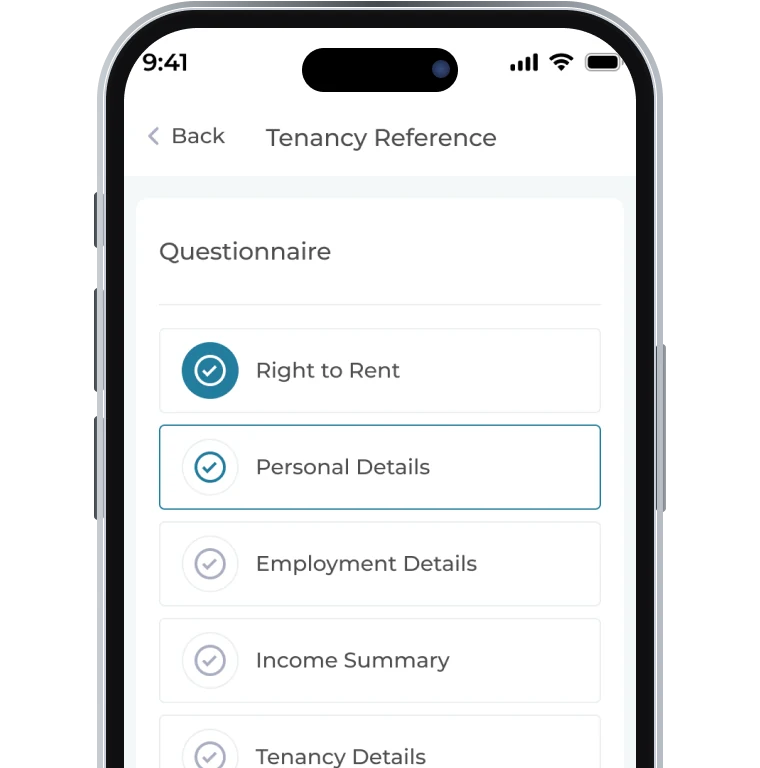
Right to Rent, employment, income and guarantor checks in one guided flow for the tenant.
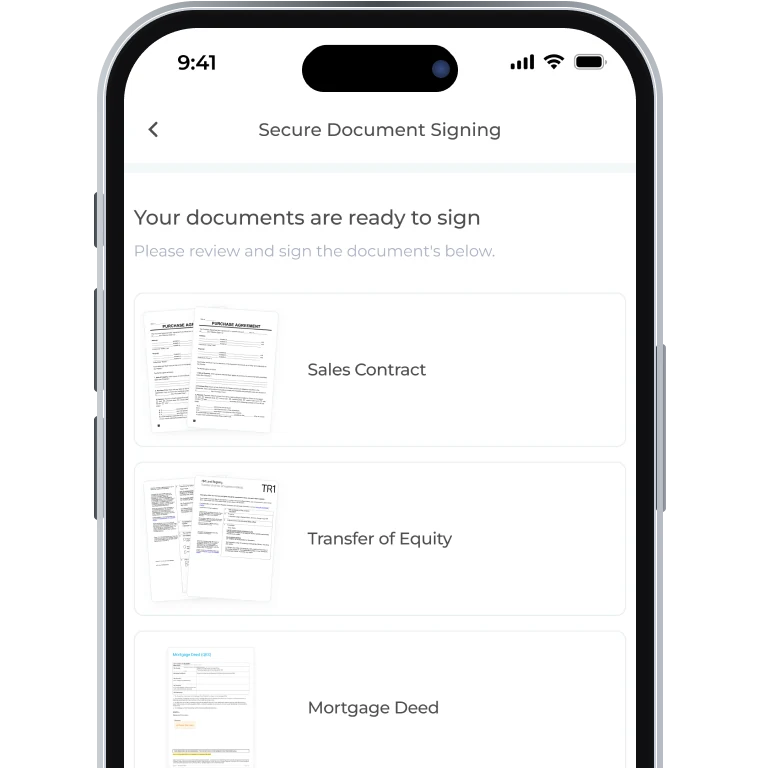
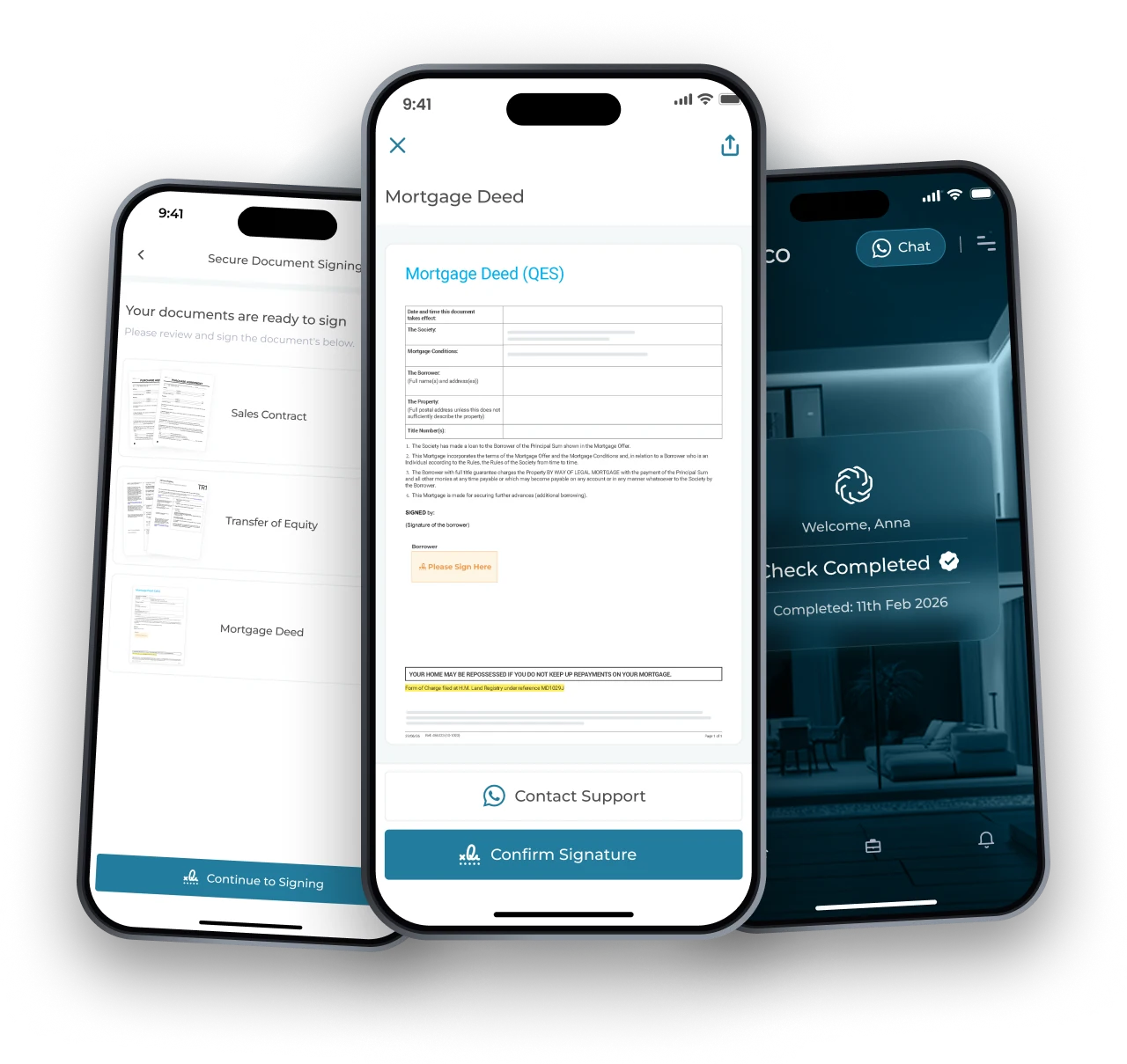
Sales contracts, mortgage deeds and TR1s signed with a Qualified Electronic Signature, straight from the client’s phone. No wet ink, no post.
One Task List.
Step By Step.
Clients work through the ‘My Tasks’ list in the app. Their answers carry into later forms pre-filled, so they only have to answer questions once.
Chat With UsSale. Purchase. Remortgage.
Start your case, pick the transaction type and your client gets a simple step-by-step flow.
Your seller verifies their ID, completes the TA forms and signs the TR1, all in the app.
Your buyer verifies their ID, shows where their funds come from and signs the TR1 and mortgage deed.
Your borrower verifies their ID, adds or removes an owner if needed and signs the mortgage deed.
Passport Chip Scan.
Face Match. Done.
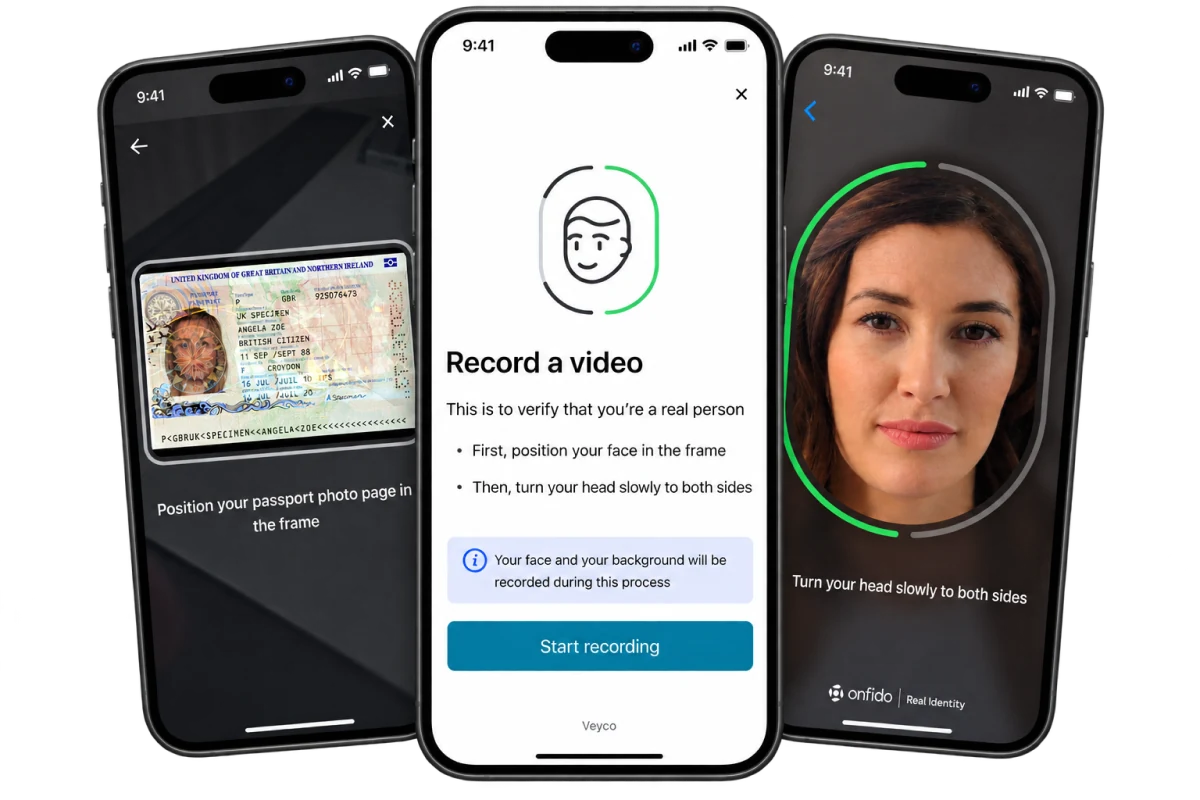
Your client scans their passport chip with their phone, then records a short face video. Veyco checks they’re a real person and matches their face to the passport photo.
Every Form Your Client Needs. One App.
The Law Society property forms and your own bespoke client questionnaires, all answered on the client’s phone and returned to your firm ready to use.
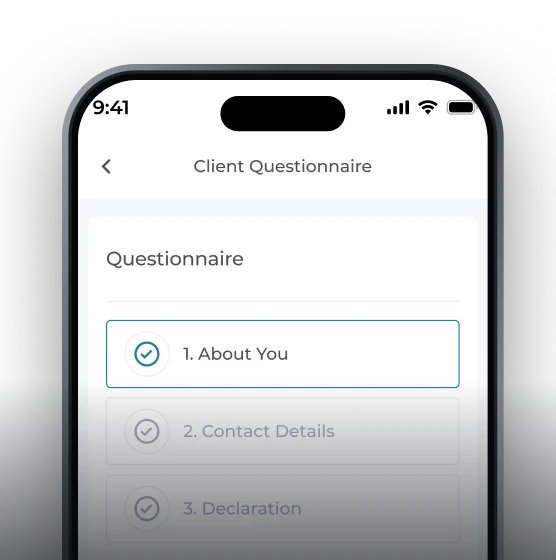
Your Firm’s Questionnaires
Build questionnaires around your firm’s process, including mortgage statement uploads.
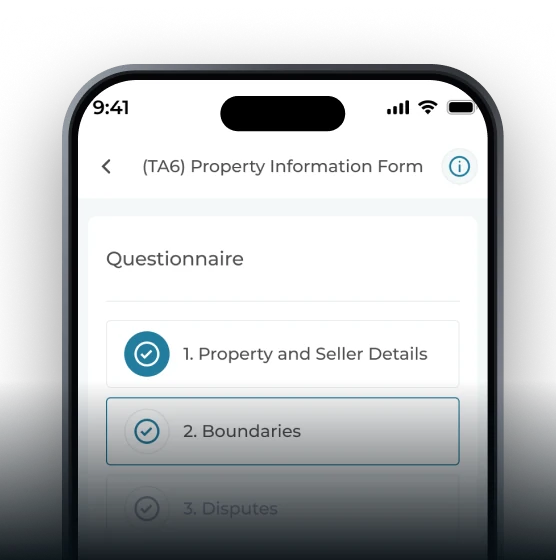
Property Information Form
Boundaries, disputes, notices, alterations and more, split into short sections.
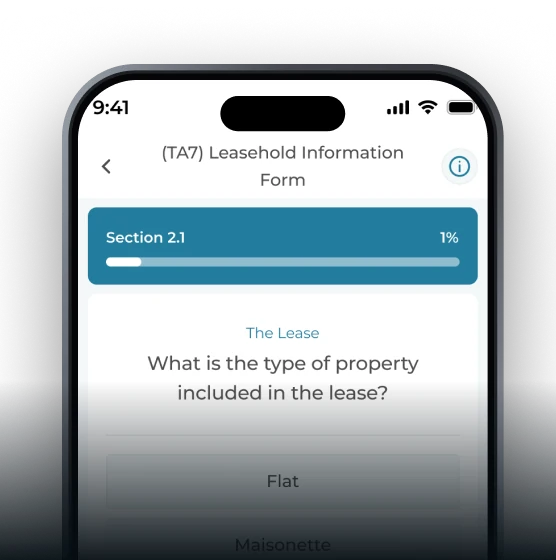
Leasehold Information Form
Lease type, service charges and management details for leasehold sales.
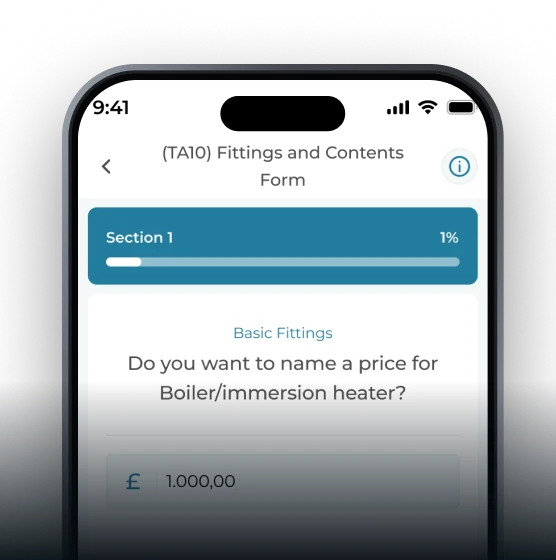
Fittings and Contents Form
Room by room: included, excluded or for sale, with a price where needed.
Client Stuck on a Question? Ask Ella.
Ella is Veyco's AI assistant, built into every form. Clients talk or type, and Ella walks them through the answer, so all forms come back complete.
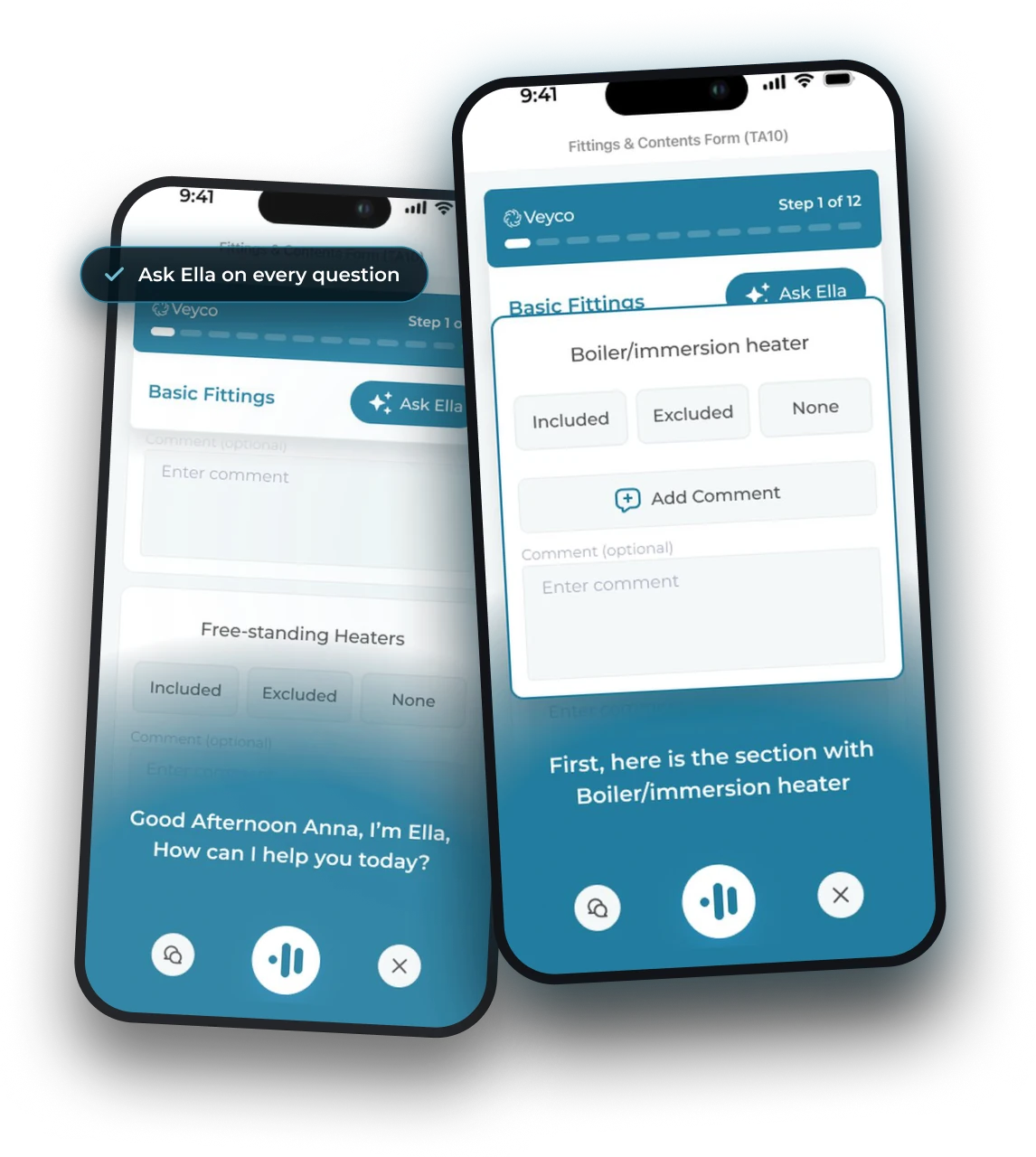
Talk or type
Voice or chat, in plain English. Ella explains what each question is really asking.
Straight to the right section
Ella opens the exact part of the form the client is stuck on.
Answers filled in as they talk
Ella selects the answer and adds comments from what the client says.
Fewer calls to your team
Fewer half-finished forms and fewer ‘what does this mean?’ calls.
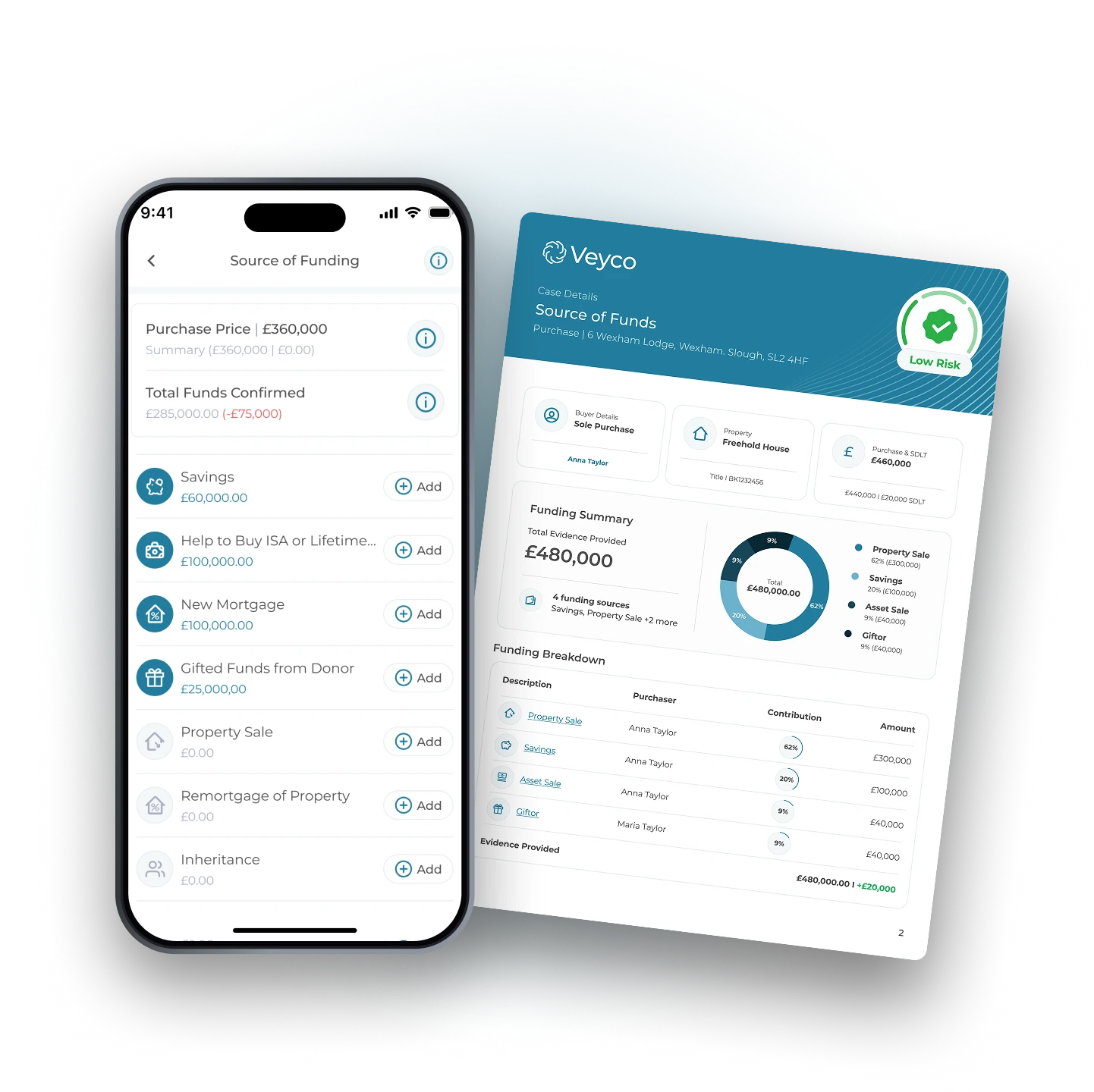
Income Verified by HMRC.
Not Read Off a Payslip.
Open Banking and HMRC give you the full picture. Where the data raises a flag, AI asks your client the follow-up questions your team would have asked.
Open Banking with full 6‑month banking history
HMRC integration: income verified at source
AI follow-up questions, triggered by financial data
One risk report: ID, AML, address and funds
No witness.
No posting.
No waiting.
Your client signs with a Qualified Electronic Signature. Every deed, signed from their phone, in under 3 minutes.
One System. Not Six Providers.
Firms often onboard a client in one place and verify them somewhere else. Veyco puts ID checks, TA forms, transaction funding and signing into one app, with one sign in.
Onboard in one place, verify in another.
Verify and onboard in one journey.
The Full Veyco Suite
Watch a client go from activating their account to signing their documents: onboarding, ID & AML, transaction funding and QES, all in one app.
THE DETAILS
A Few Good Questions.
End-to-End Digital
Conveyancing Technology.
One invite, one app, one process. See the full client journey, from dashboard to signed deed, working together in one app.



our AI Support Agent
Ella can assist you with any support or account based enquiries you may have. Simply dial the number below and start talking, it’s that simple.

Support Agent

